

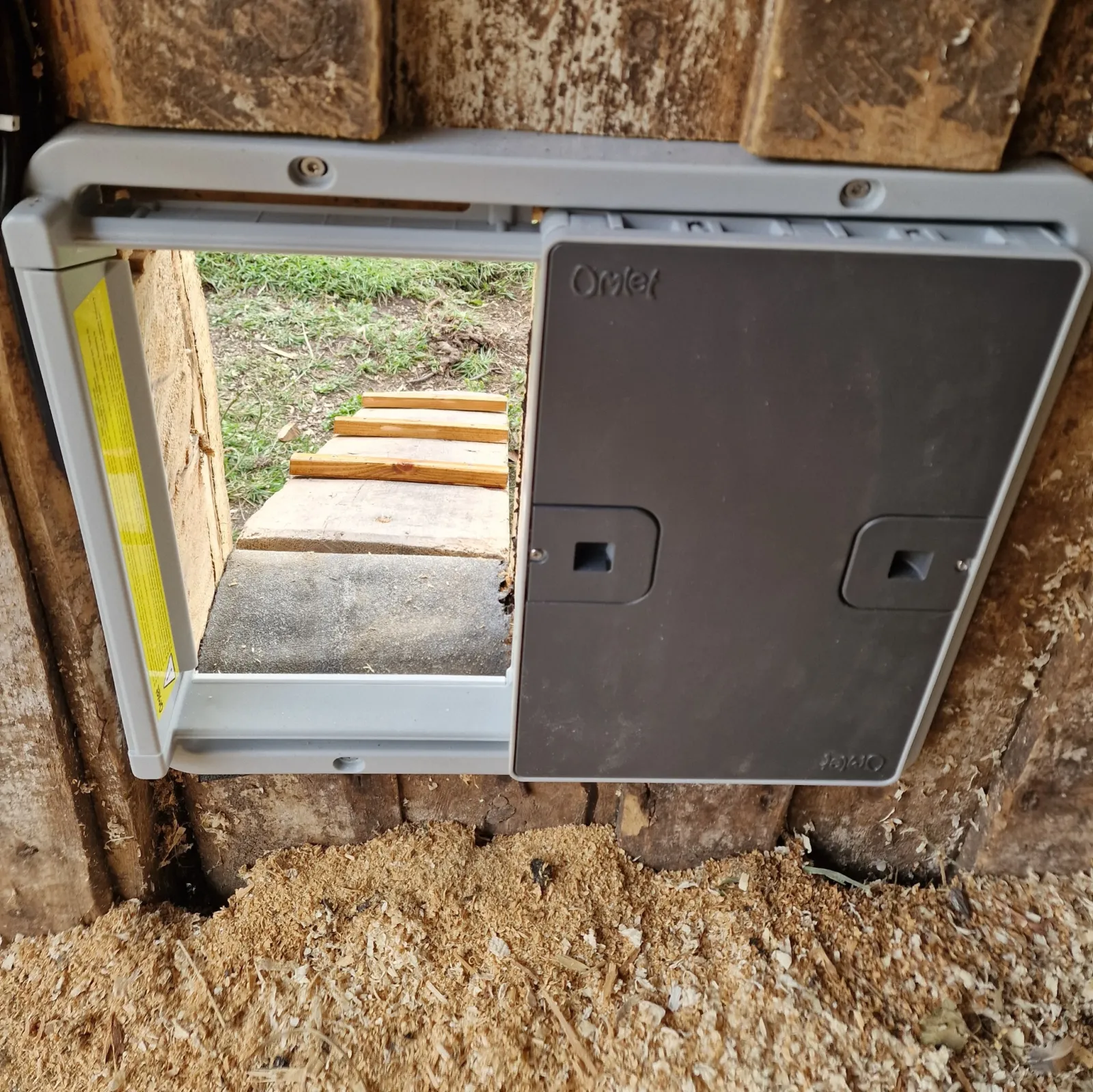
I have now been using the Omlet Smart Autodoor for a month. We fitted it to an old barn wall, and it is used by four hens and a large rooster.
So far, the door has worked every day. It feels solid, is relatively quiet and is easy to control. The only thing that has irritated me a little is the delay when I use the app. More on that further down.
Is the Omlet Smart Autodoor worth it?
After four weeks of use, my answer is yes. To me, this feels like a well-thought-out, well-developed product.
The door feels solid and has worked without technical faults in the autumn weather here in Trøndelag, Norway. Cheaper automatic chicken doors are available, but I feel more confident about the quality of this one.
Four weeks is too short a time to say anything definite about durability over several years, winter use or the actual battery life.
Our large rooster is a little impatient when he wants to go out. He squeezes through the opening while the door is still opening. So we will certainly be putting its robustness to the test over time.
What I have tested
| Test period | Four weeks |
|---|---|
| Flock | Four hens and one large rooster |
| Installation | Inside an old barn wall |
| Weather | Sun, rain, wind and temperatures down to −2°C |
| Power | Four AA batteries |
| Controls used | The control panel and Omlet app |
Why we bought an automatic chicken coop door
Previously, we let the hens in and out through a normal barn door. It stayed open all day. Magpies and other animals could easily get in, and the magpies were especially interested in the chicken feed.
The large opening was naturally a drawback when it was windy. The wind blew straight into the barn. Now that the weather is getting colder, a small chicken door is a much better opening than a wide-open barn door.
I chose the Omlet Smart Autodoor because of Omlet's reputation for quality. I chose the smart version because I like technology and wanted the option to control the door from my phone.
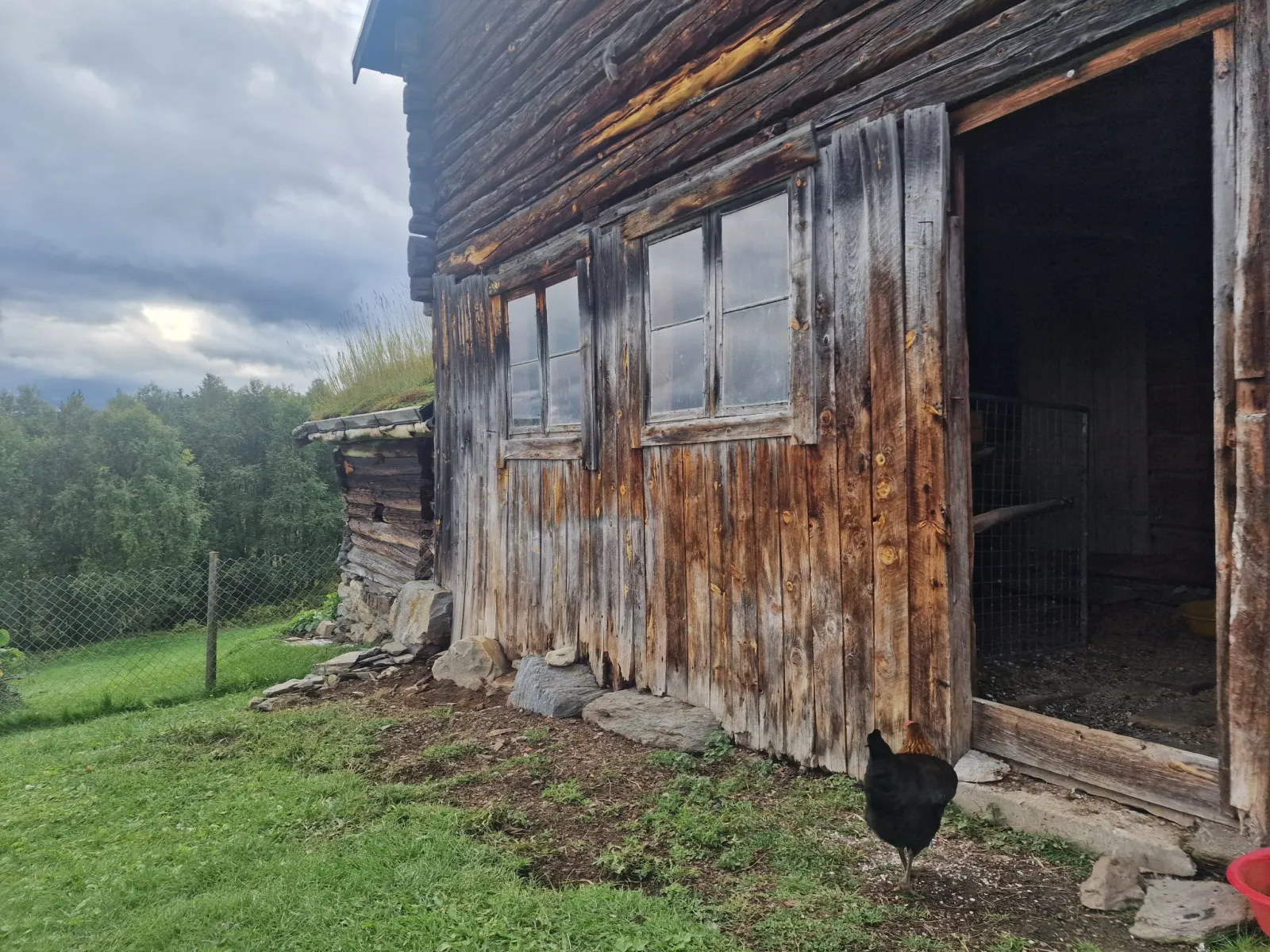
Omlet Smart Autodoor colours and optional extras
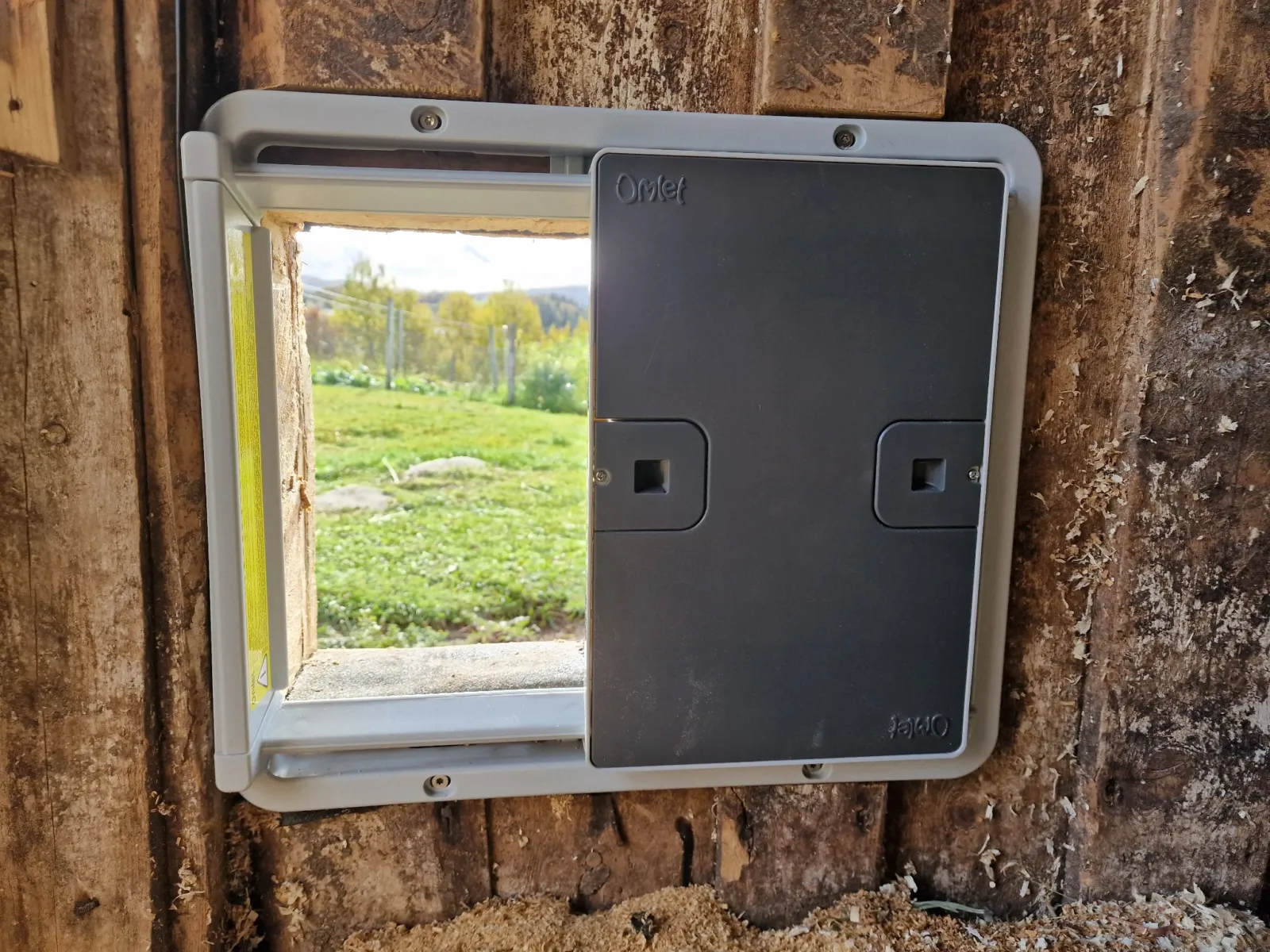
The door comes in classic Omlet green or grey. I chose grey, which suits our old grey barn wall well.
An optional coop light is available. I did not buy it because we already have smart bulbs in the barn and use those to control the lighting.
What I did not realise when ordering was that the mains power supply is sold separately. We are therefore using the door with four AA batteries. If the batteries need replacing very frequently, I will probably buy the power supply later.
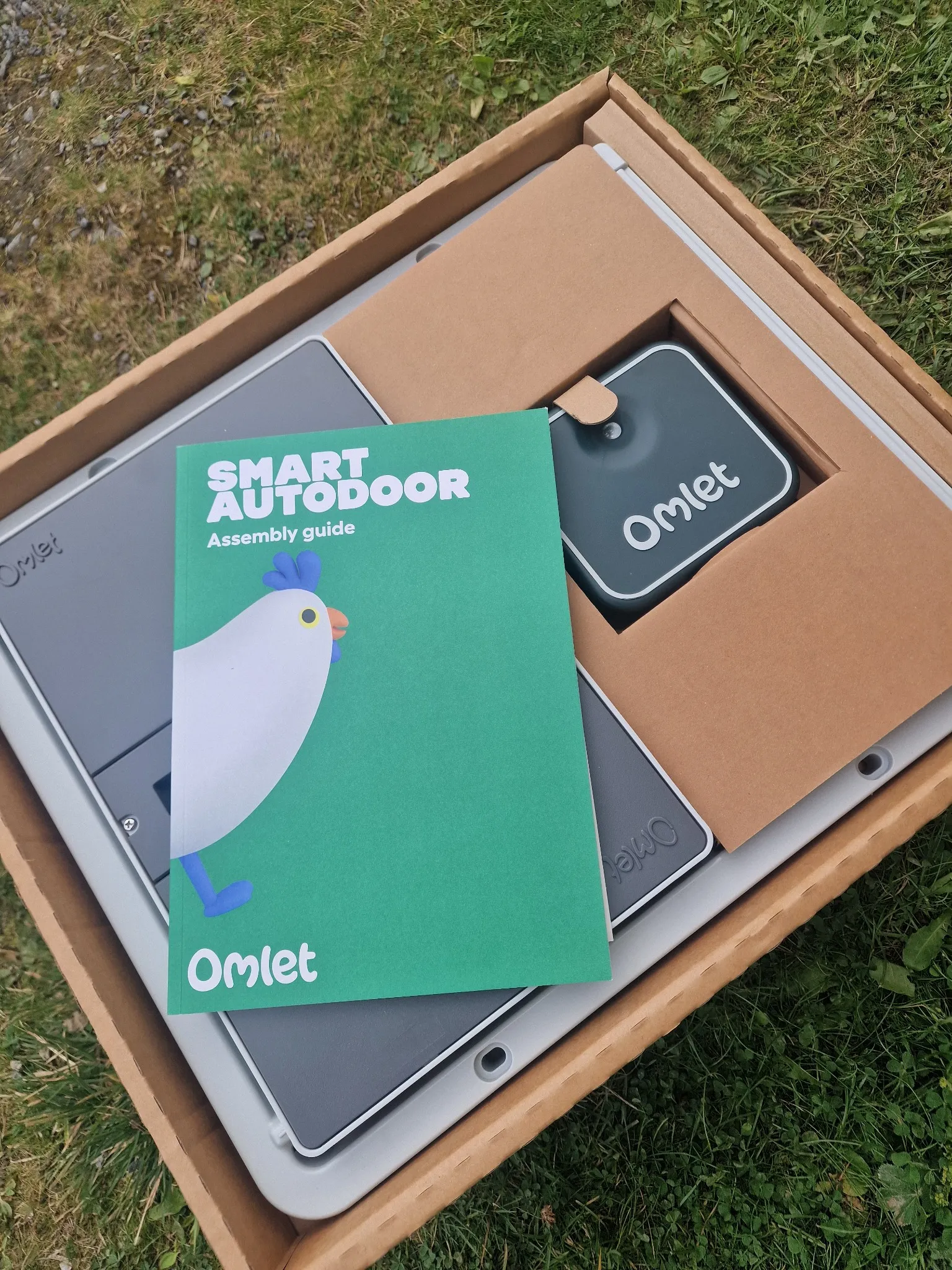
Size and specifications
Omlet lists the full door as 42 cm high and 49 cm wide. The opening itself is 30 cm high and 19.5 cm wide. The control panel measures 13 x 14 cm, and the cable between the panel and the door is 2 metres long.
The door can be controlled in several ways: from a control panel fitted beside the door, by a set time or by activating the light sensor. The smart version I bought can also be controlled through the Omlet app. The app shows whether the door is open or closed and how much battery power is left.
Neither AA batteries nor the mains power supply is included as standard.
How we installed the door in the old barn wall
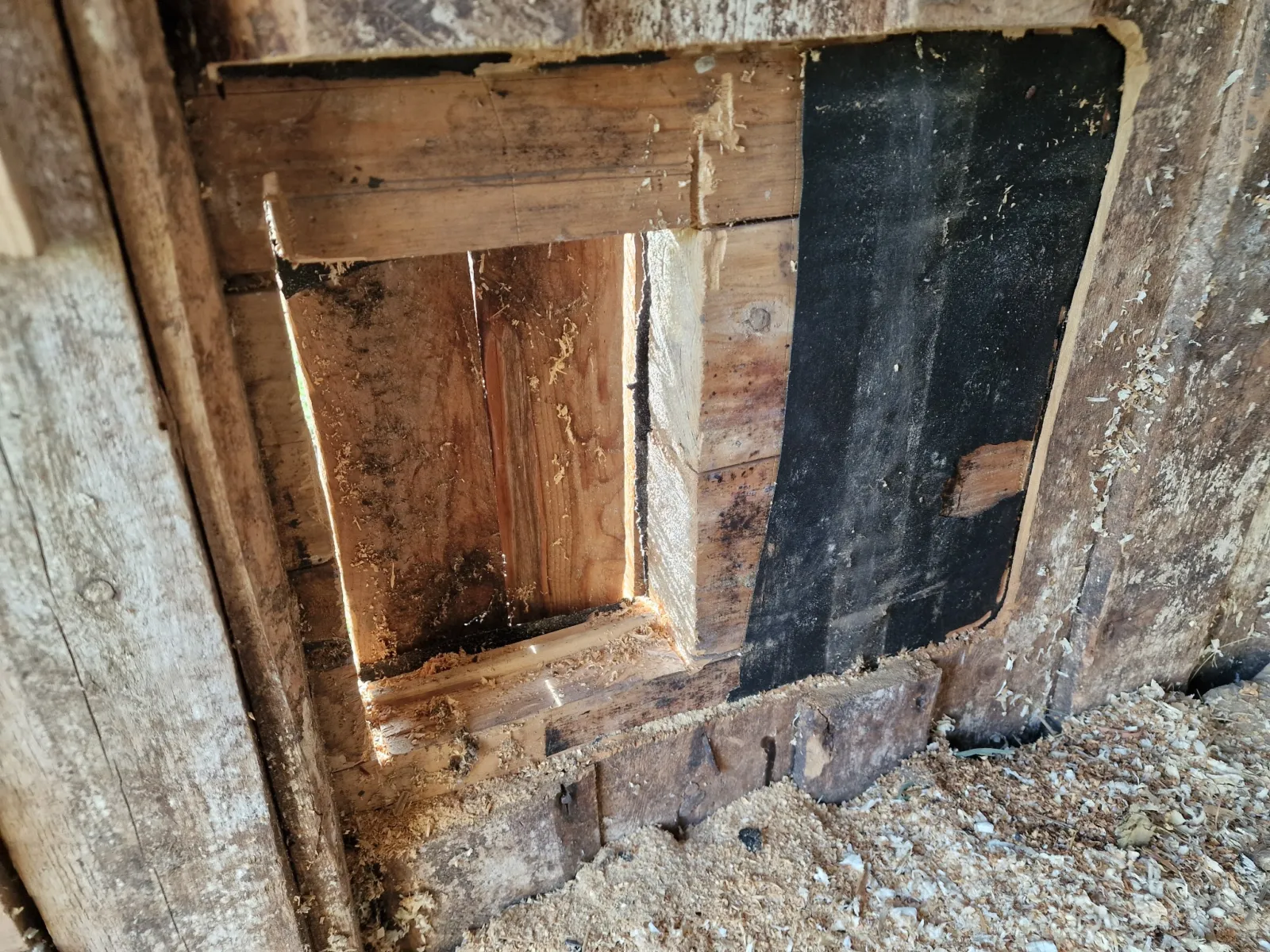
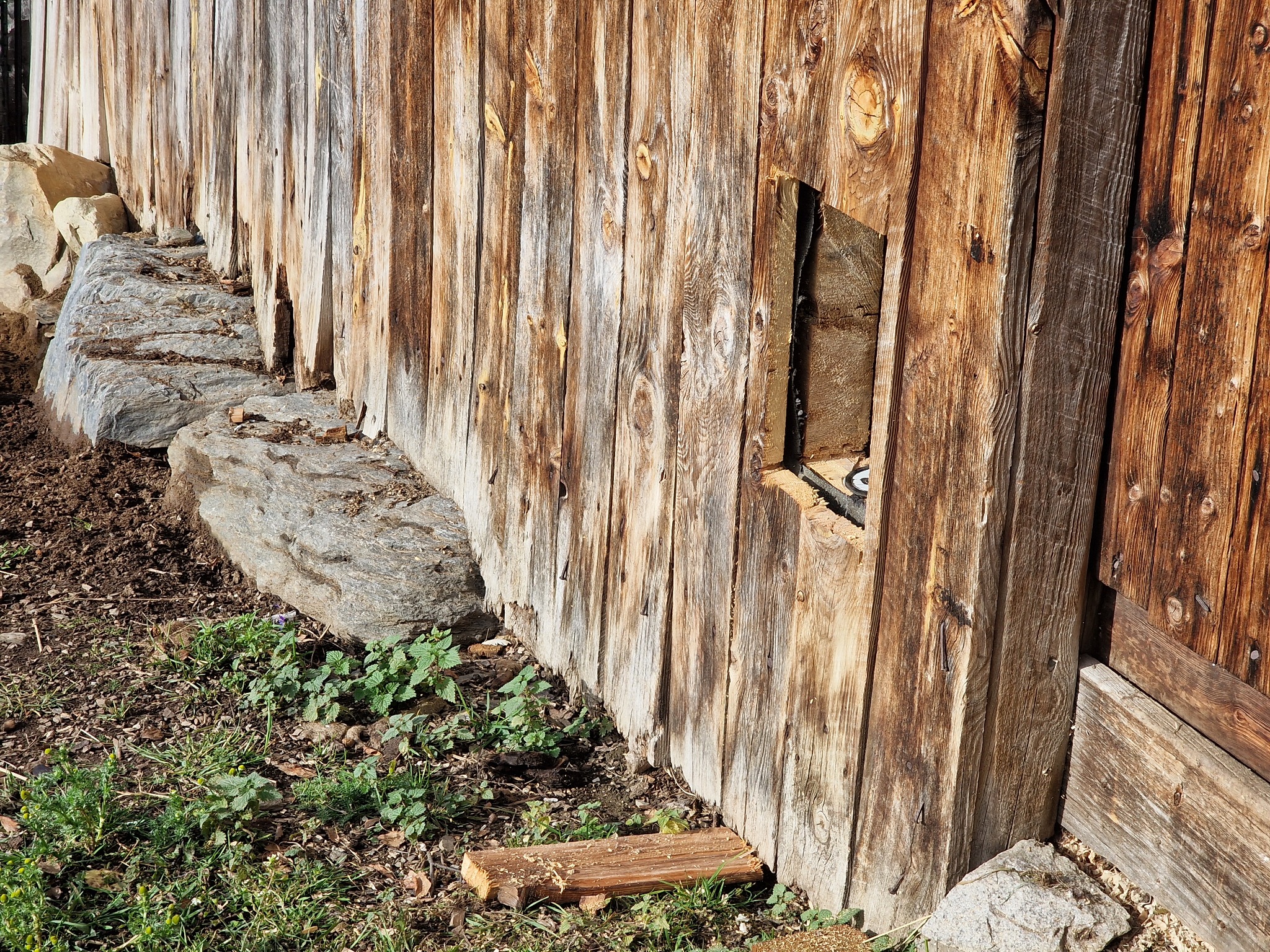
We had to make a new opening in the wall.
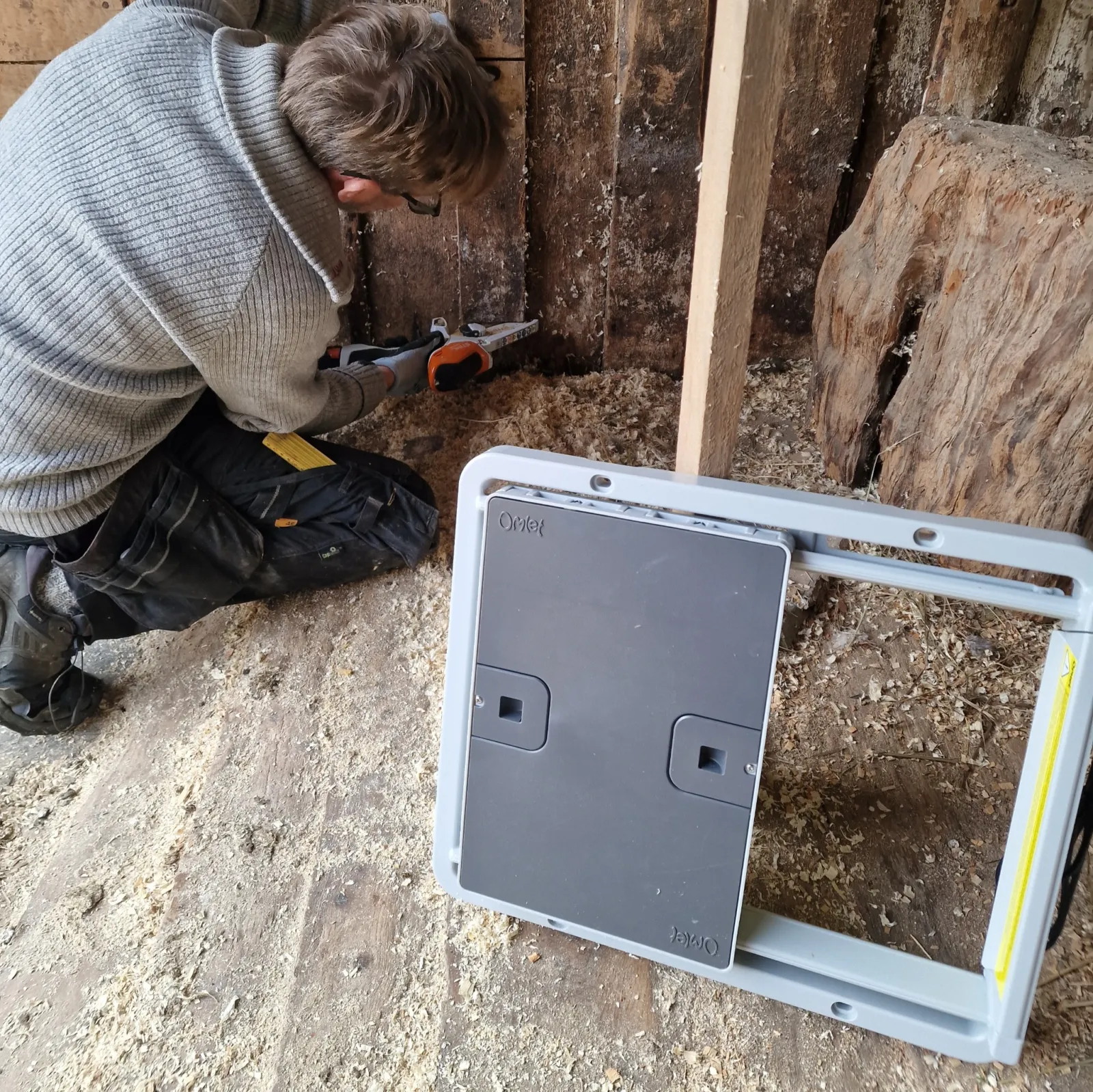
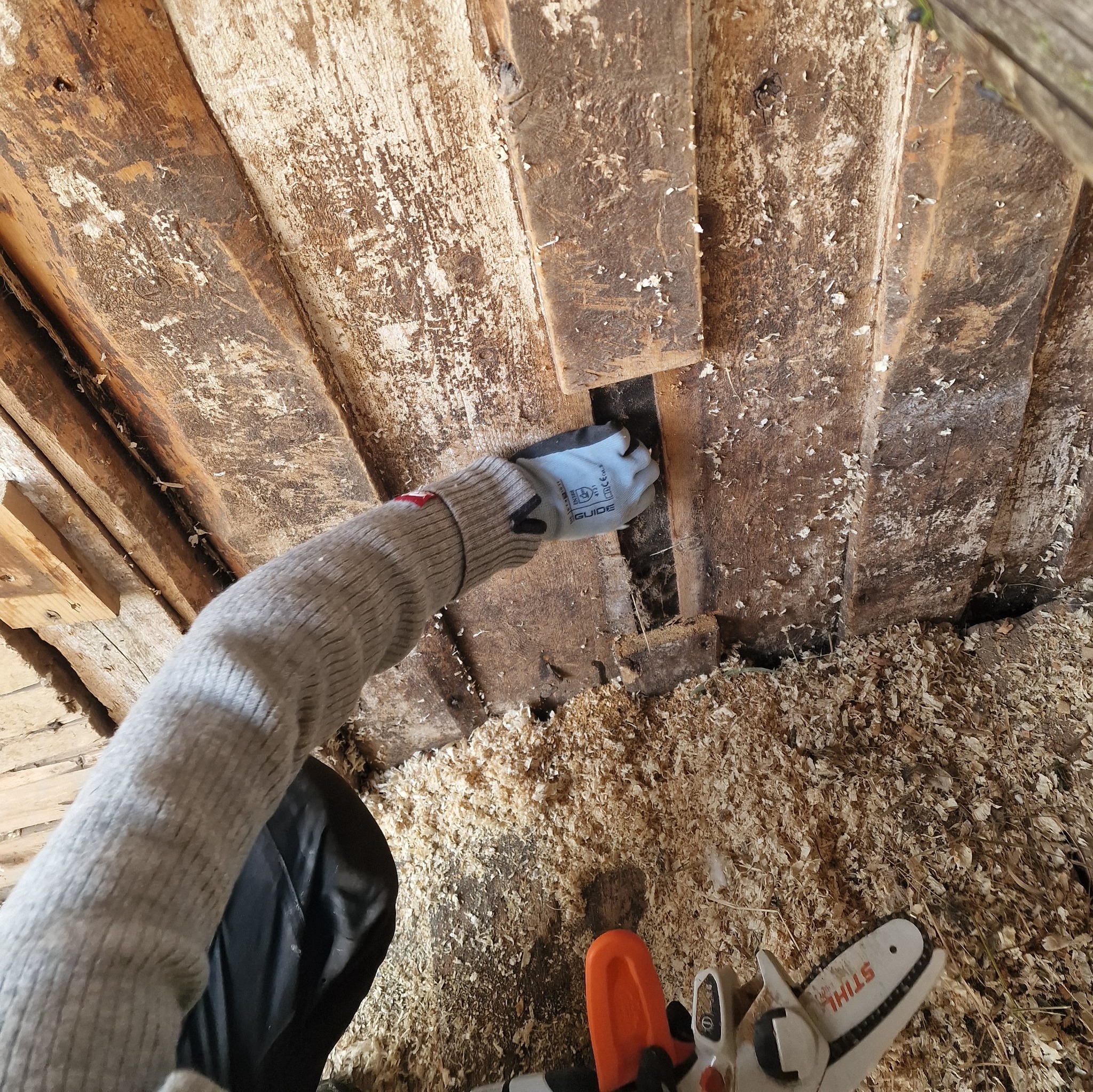
The instruction manual gave the exact dimensions. We measured up and drew a square on the wall. My husband then cut out the opening with a small electric chainsaw.
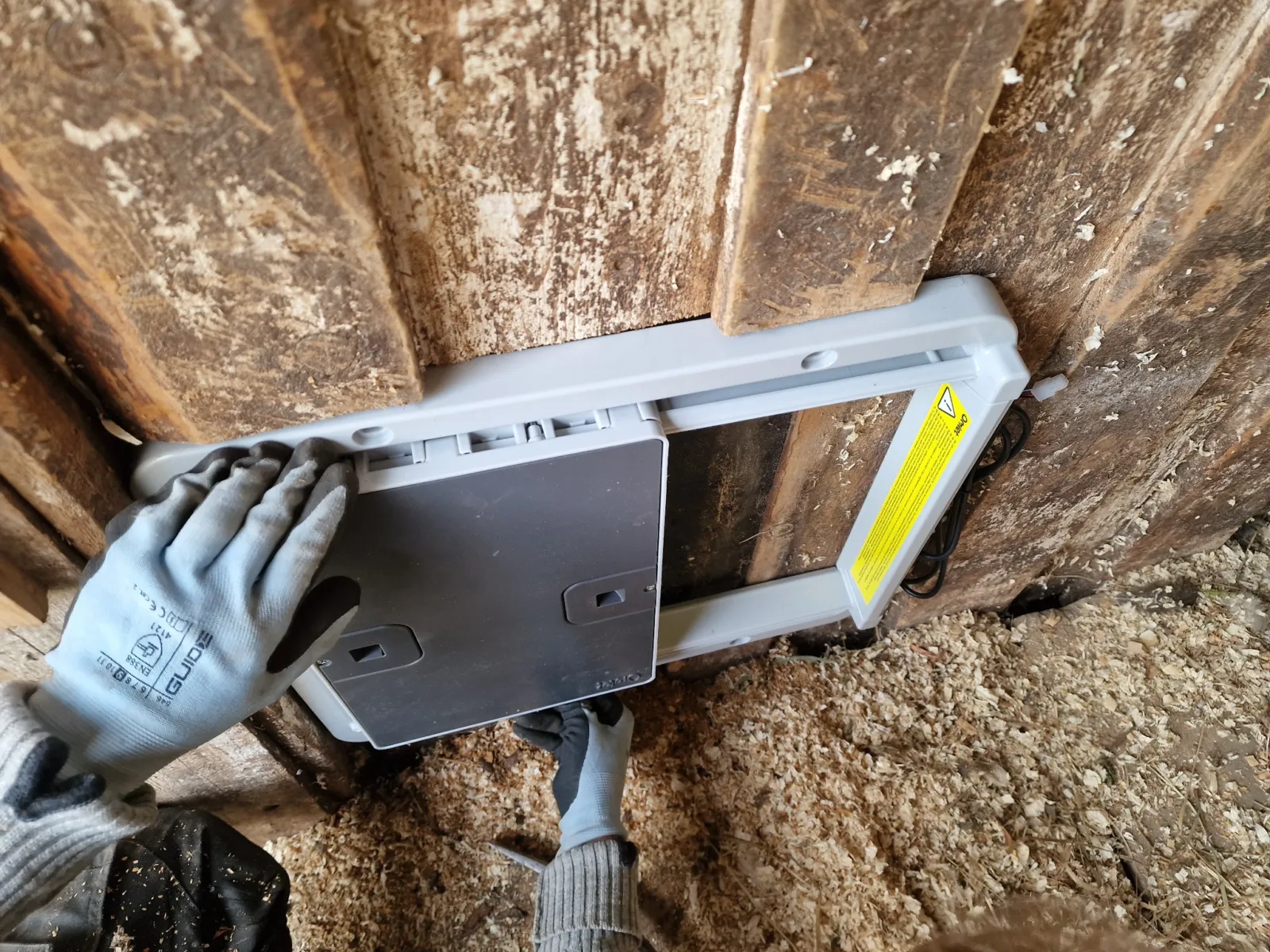
The barn wall has old panelling on both the inside and outside, with an older timber structure between them. Once the opening was ready, he used a drill driver to attach the door and control panel.
Although screws were included, we chose to use our own Torx screws.
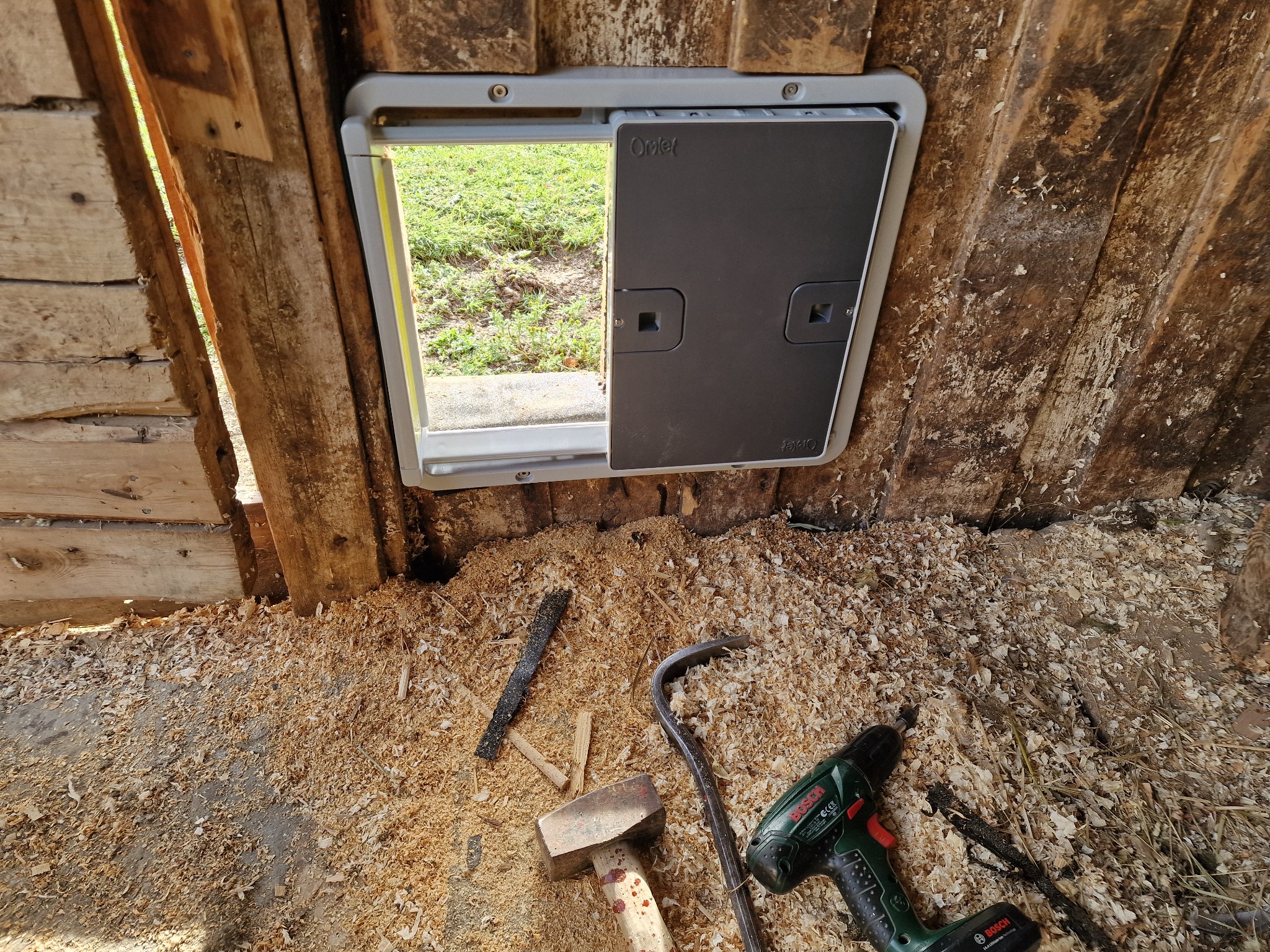
The installation itself was very easy. The hardest part was the instruction manual. It covers several door types and fitting methods, either on a wall or on an Omlet coop, so we had to make sure we were reading the correct pages. We found the manual a little difficult to navigate.
From starting the job to having a working door, it took about one hour.
We made a ramp from leftover timber
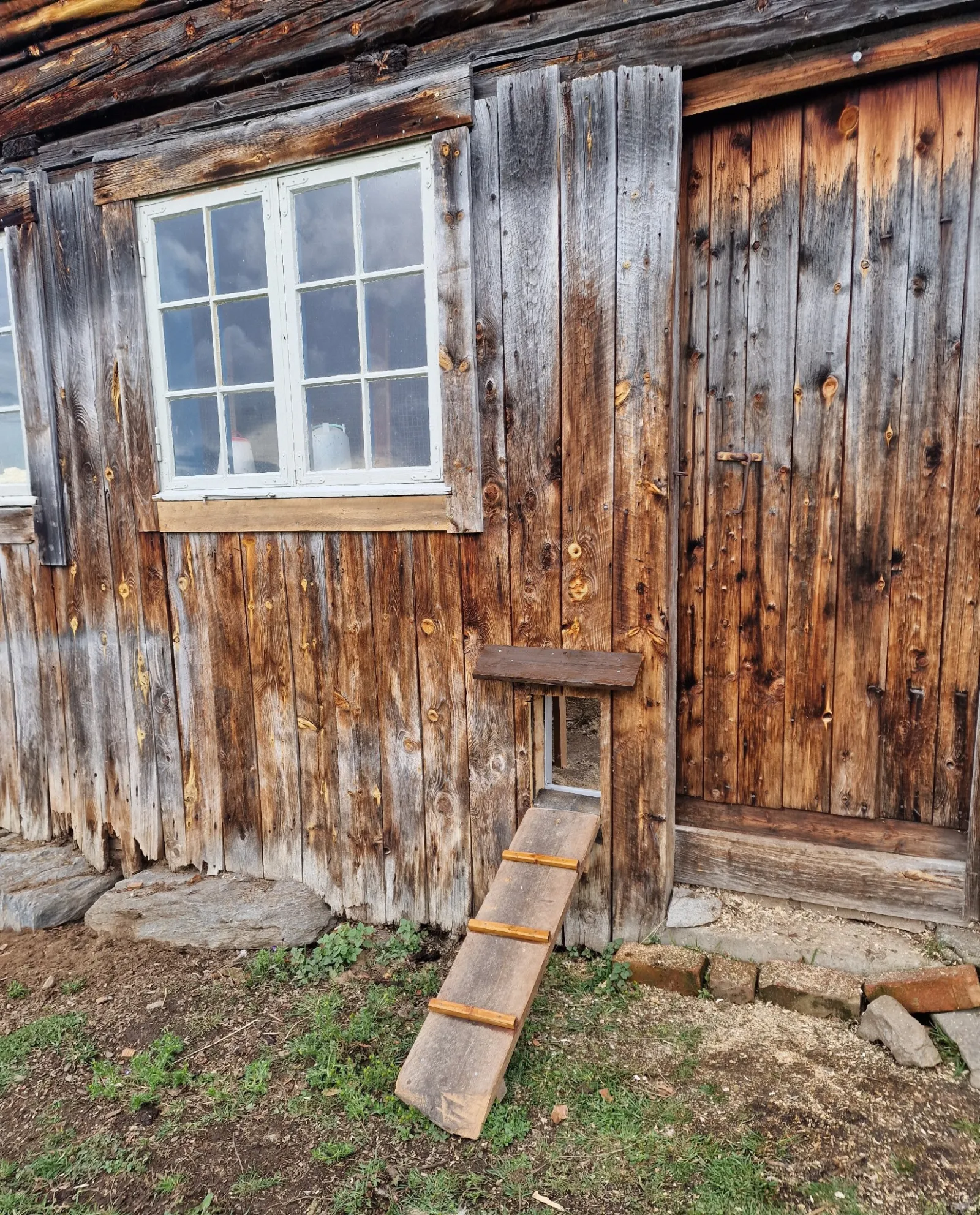
Inside, the door is at floor level, but outside there is a bigger drop to the ground. We therefore had to make a ramp ourselves. We did that quickly and easily with some old offcuts we already had lying around.
The hens, who were used to walking in and out through a normal doorway, had to get used to more than just the new small opening in the wall. They also had to learn to go up and down the ramp. They were sceptical at first, but now use both the ramp and the door with ease.
How easy is the app and Wi-Fi setup?
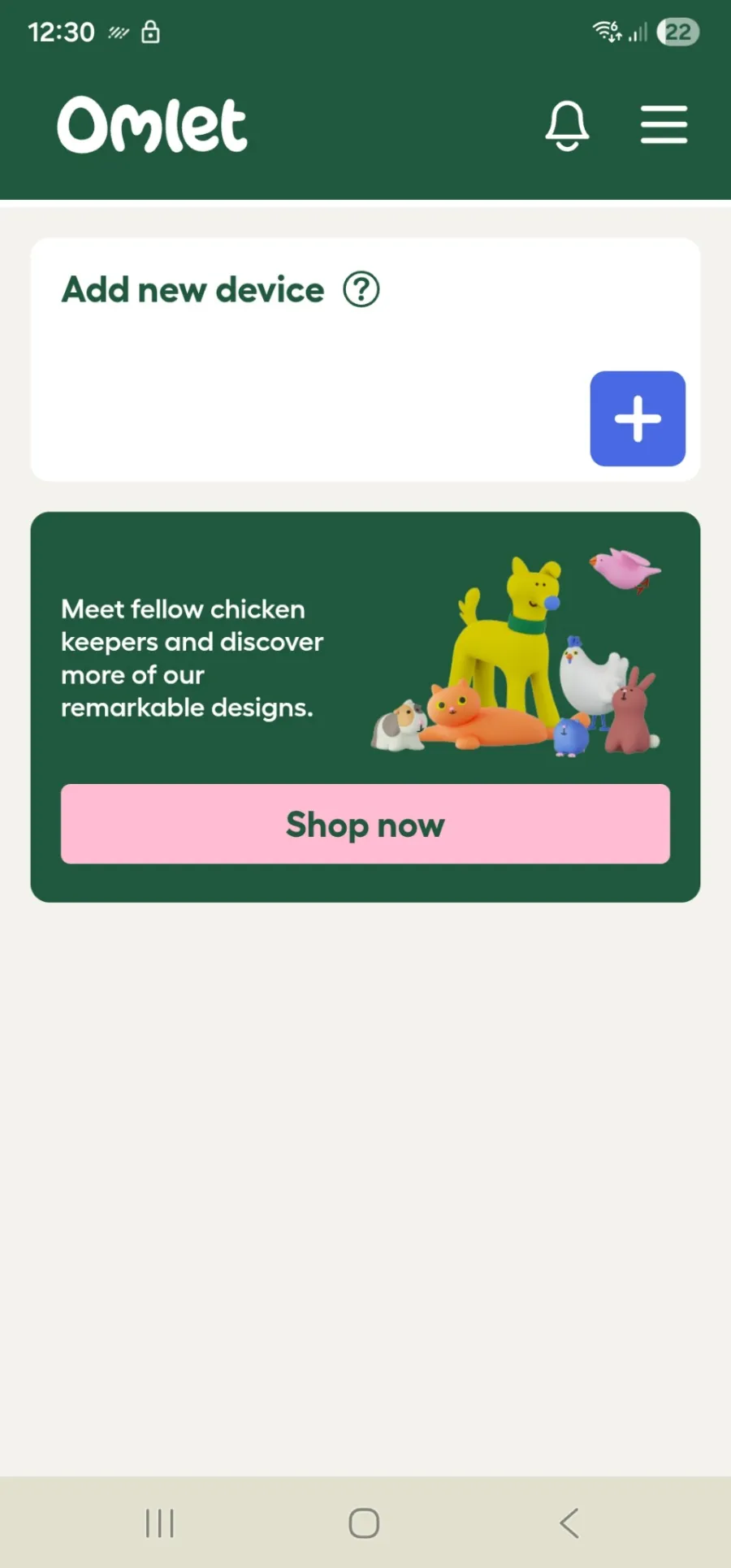
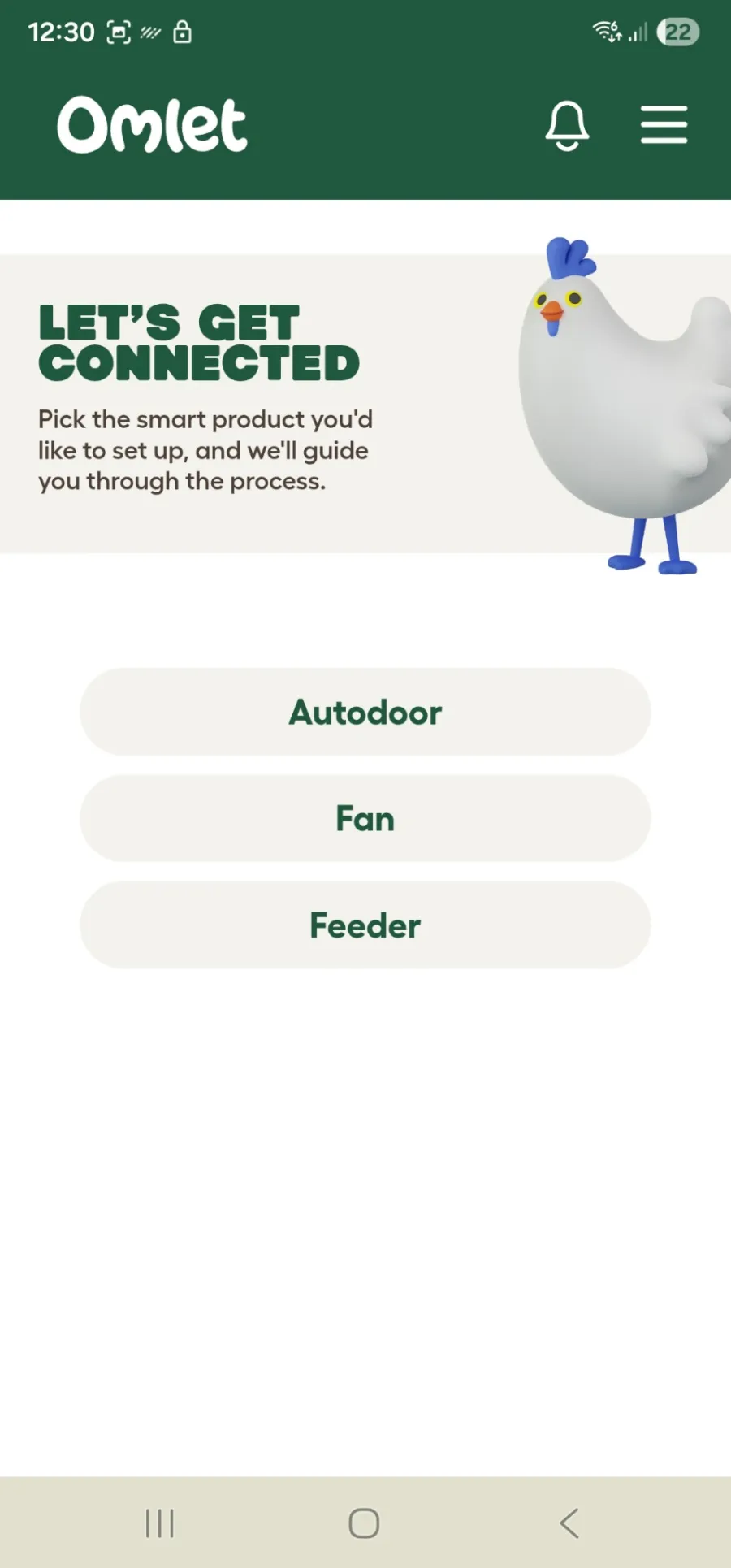
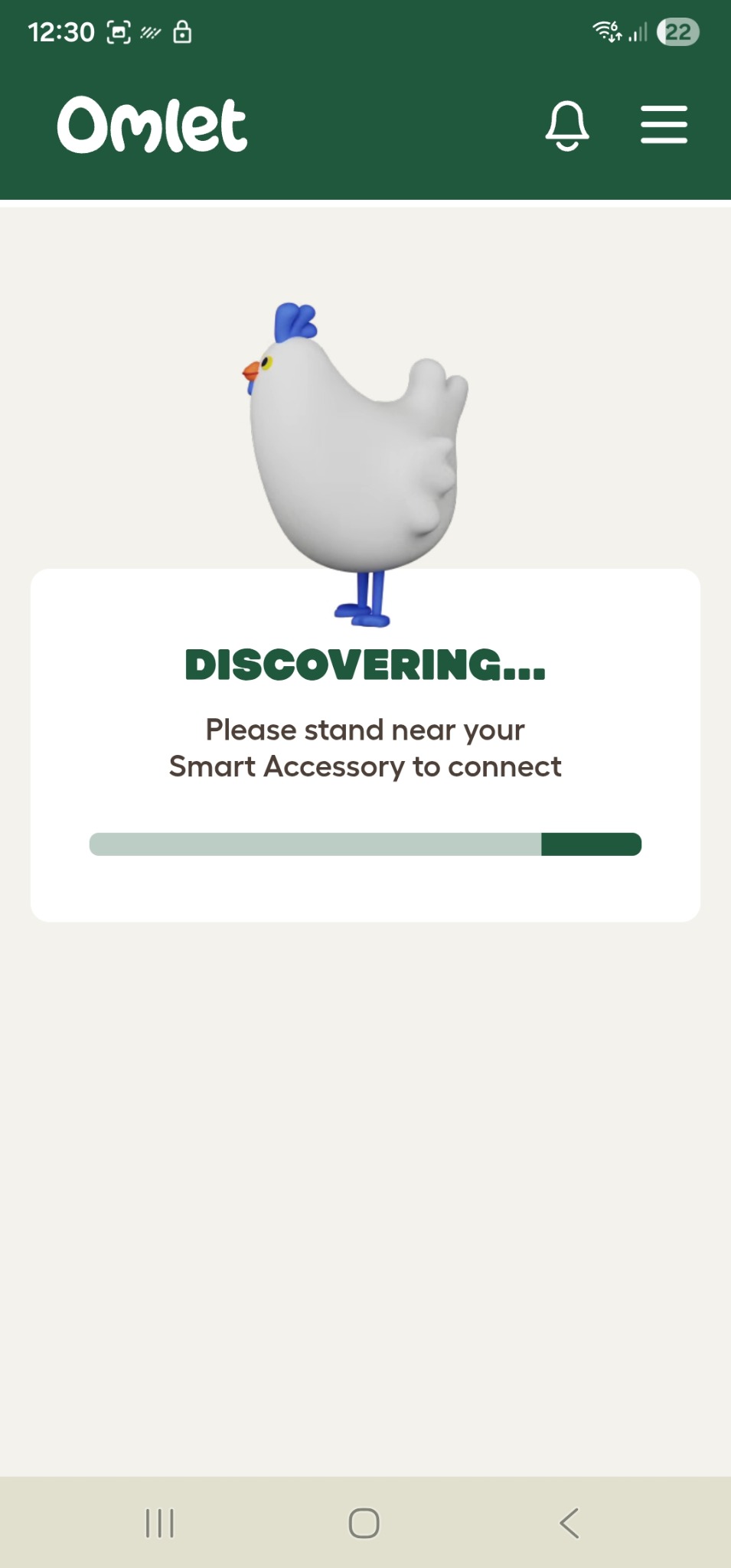
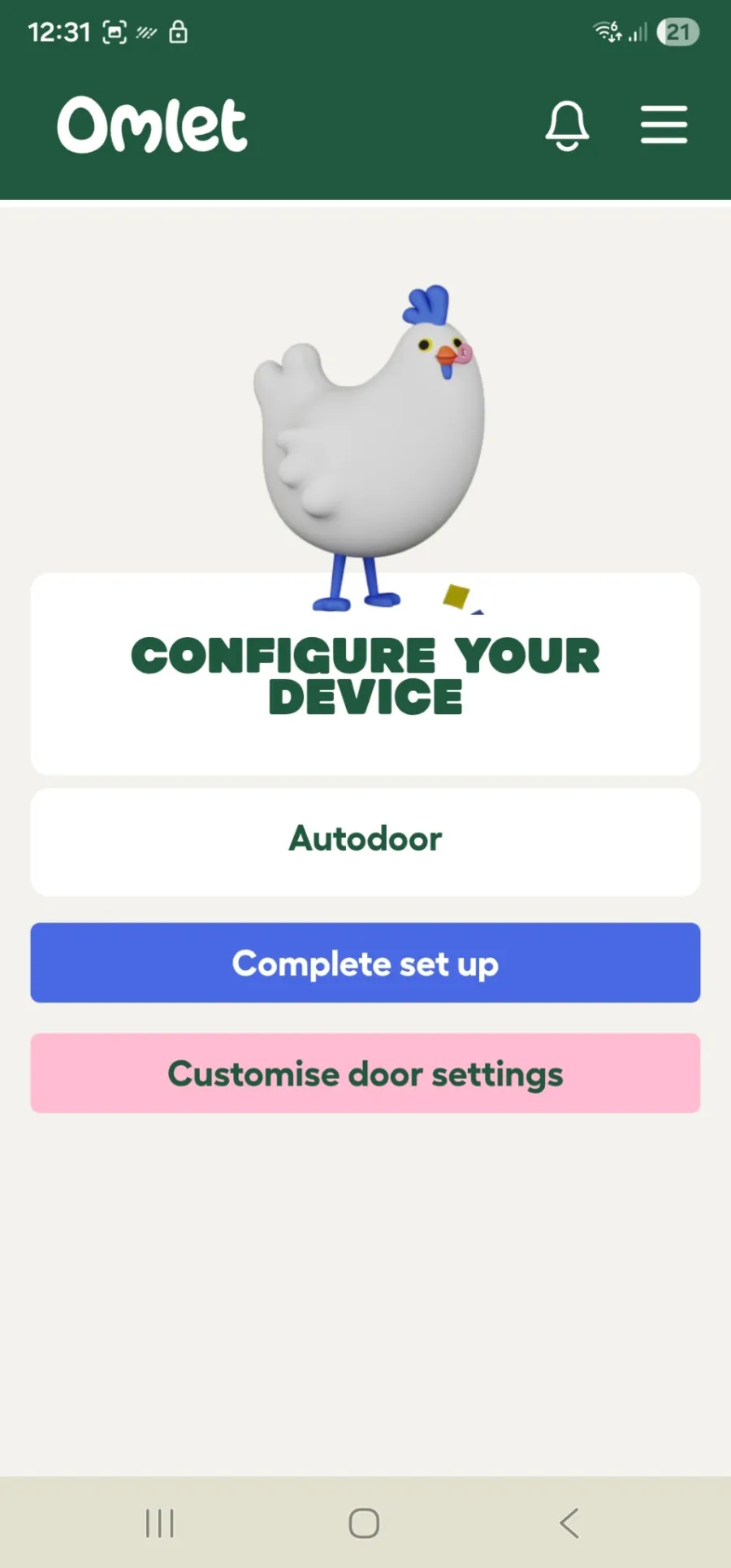
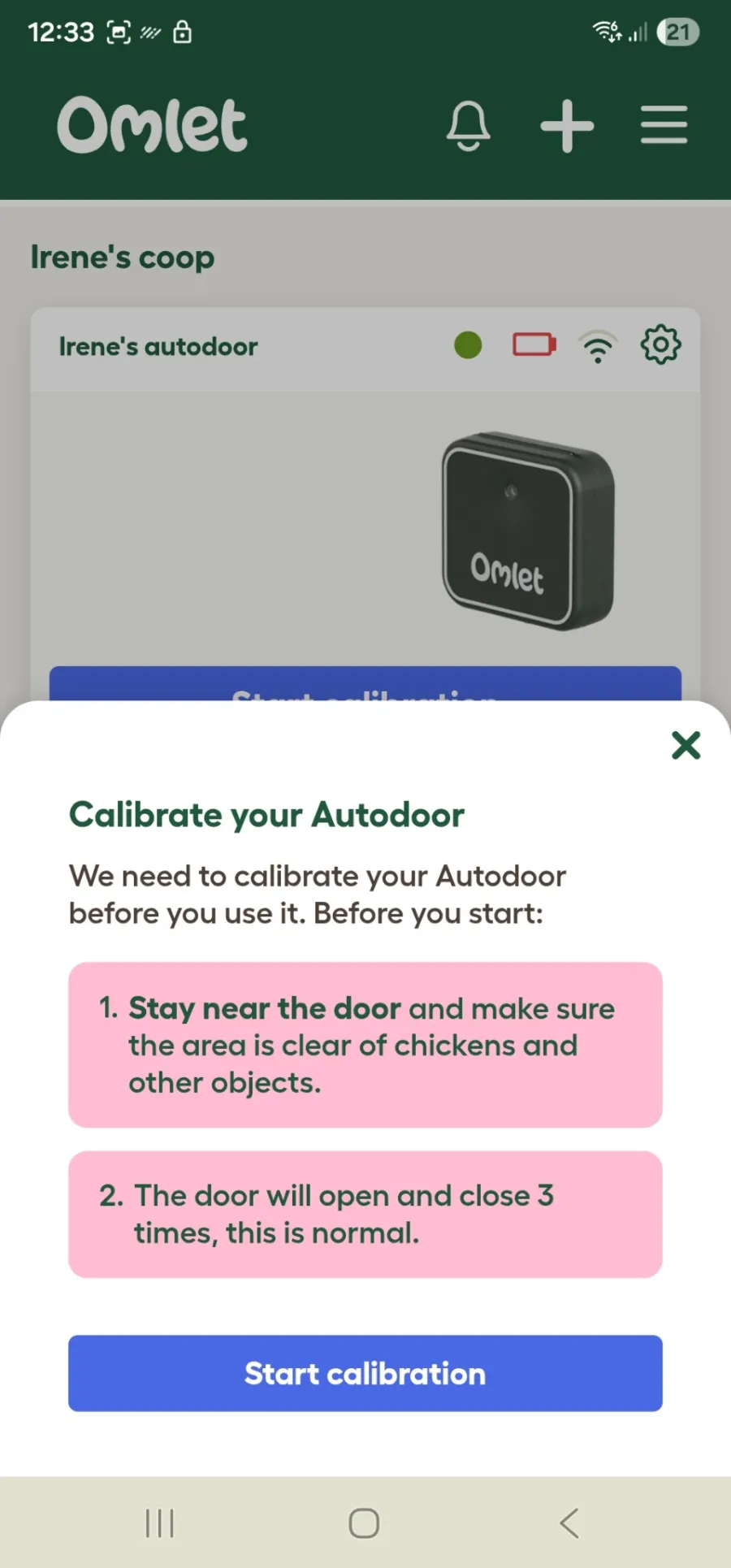
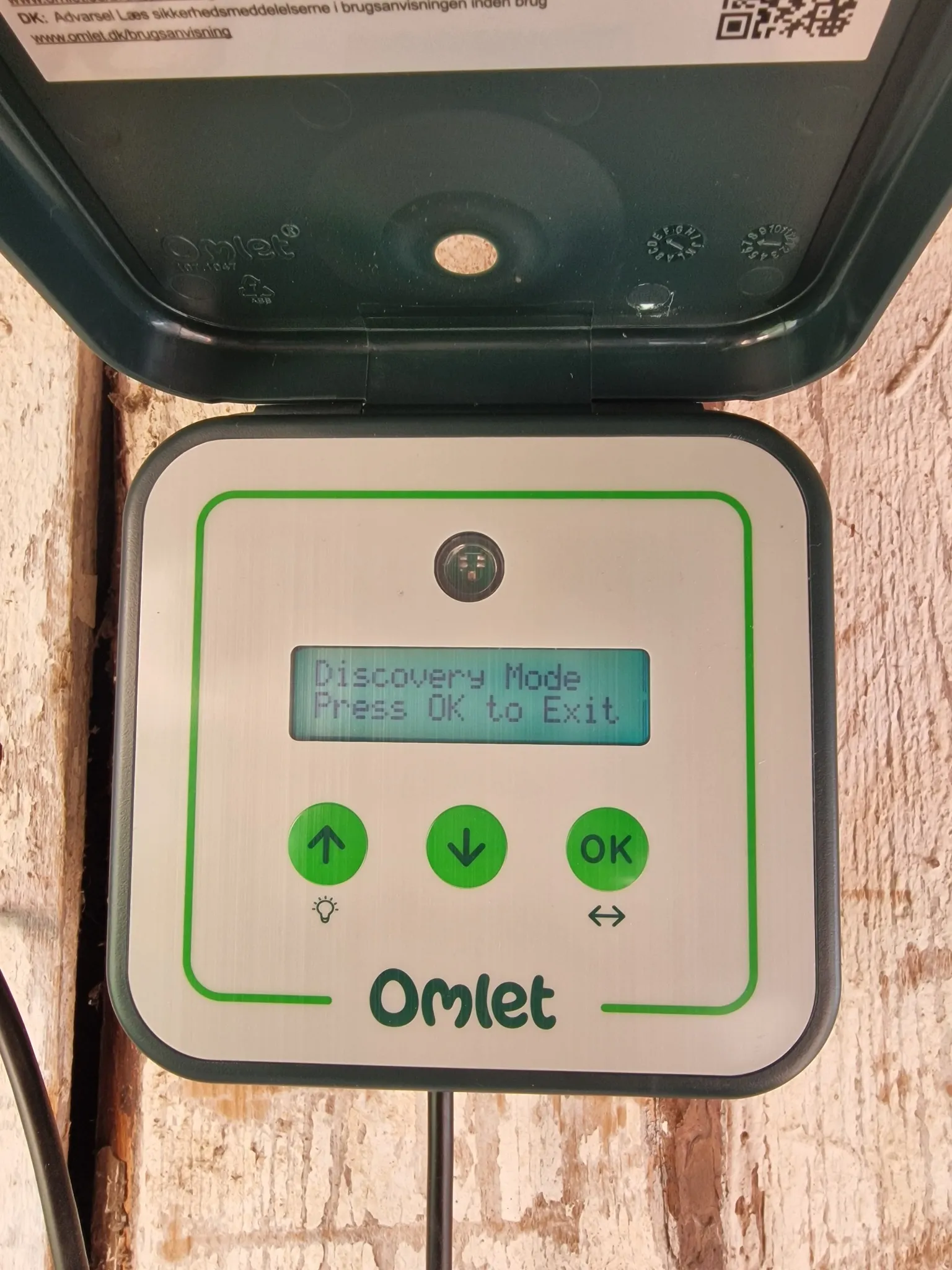
Connecting it was very easy. I downloaded the Omlet app and connected it to the door. It was quick and trouble-free.
The whole setup in the app took about three minutes. The steps were clear, the interface was tidy, and it was easy to understand what to do next.
Why does the door not always respond immediately in the app?
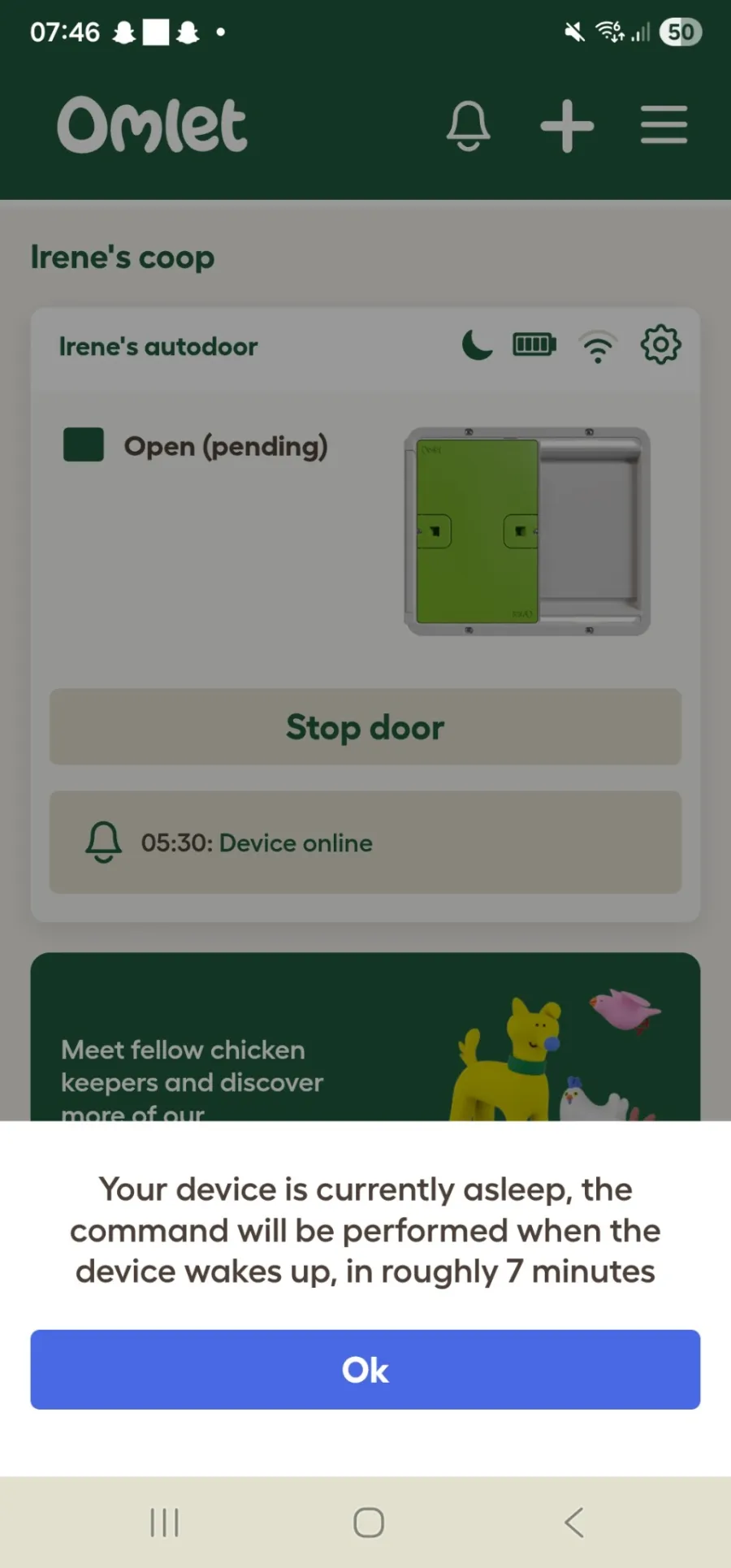
I was a little puzzled when I tried the app. I got the message “your device is currently asleep” and was told that the door would respond later. The wait has varied from about one minute to eight minutes. Not very smart, I thought at first.
Then I saw that Omlet explains on its website that a battery-powered Smart Autodoor checks in with Wi-Fi every ten minutes to save power. Commands from the app may therefore wait until the next check-in. With a mains power supply, the control panel maintains a continuous Wi-Fi connection, and Omlet says commands are then carried out almost immediately. Source: Omlet's support pages.
That makes sense. Taking this step to make the batteries last longer is a positive thing. I would not say that the delay has caused a practical problem for us. It was mainly a little annoying before I understood why it happened. Still, it is important to know about if you expect a smart chicken door to respond immediately from your phone.
How I use the smart door day to day
I am not using either the light sensor or the timer yet. That is because I am testing it in autumn, when each day is noticeably darker. With the light sensor, it would close too early and open much later than the hens would like.
The timer is not particularly suitable right now either. In autumn, the time the hens go inside changes quickly. A few weeks ago, 8 pm could have been a natural closing time. Now they go in at around 6 pm because it gets dark earlier.
I usually open the door from the control panel when I am in the barn. Even though we have a smart door, smart lights and video monitoring, I like going in to check on the hens. I want to make sure they are well, check that they have food and water, let them out myself and have a little chat with them.
Some mornings I open it from the app. Sometimes we see on the camera that they have all gone inside, and we can then close the door from our phones. We still go out afterwards to check that everything is all right.
How did the hens react to the new door?
The hens were outside when we installed the door on the first day. One hen tried it, while the others hung back, unsure. They would not go in to eat during the day, so we chose to leave the big door open until they had all settled on the perch for the night.
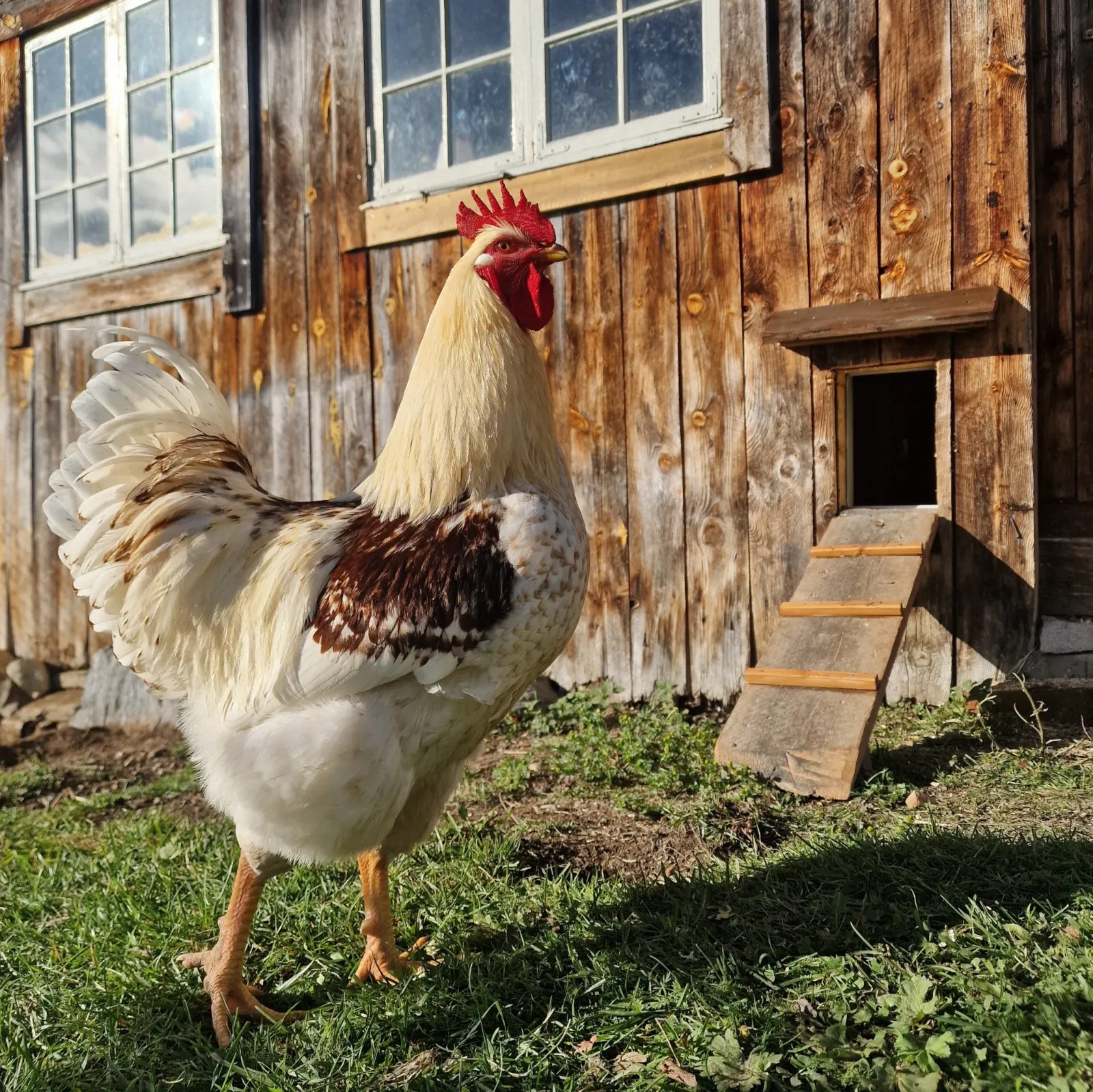
The next morning we left the big door closed and opened only the chicken door. They were then happy to go out through it.
Since then, they have used the ramp and the door every day.
When I first saw the door and its opening, I thought our large rooster had no chance of getting through. I was wrong. He gets in and out easily.
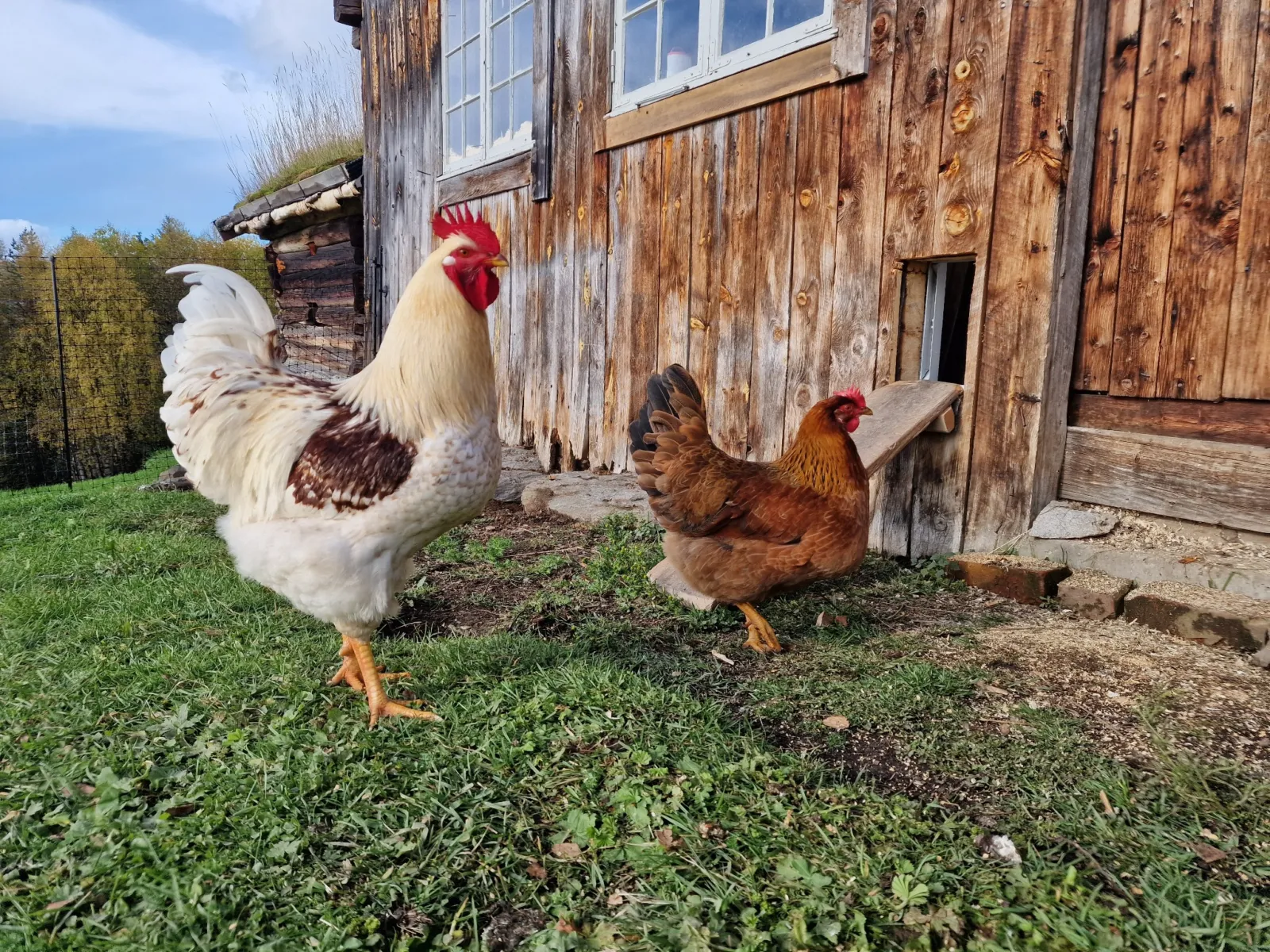
The motor makes very little noise. Neither the rooster nor the hens seem frightened or react when the door moves. As mentioned, the rooster is a little impatient and squeezes through while it is opening.
How has the door worked in rain, wind and cold?
The test period has brought typical autumn weather for Trøndelag. We have had rain, sun, strong winds and temperatures from −2°C to over 15°C.
The weather has not affected how the door works. It is fitted on the inside of the wall, so it is sheltered from the worst of the weather.
It looks good there too. The grey door blends in well with the wall and does not draw much attention.
This is not a winter test. I cannot yet say how it will work through a full winter with severe cold and blowing snow.
How much battery power does the Omlet Smart Autodoor use?
We did not have new batteries when the door was installed. First, we used some we already had, which were almost flat. The app showed about 10 per cent. After one week, the level was down to 3 per cent.
We then fitted new batteries. They showed 100 per cent when replaced and 97 per cent after one week. The level is at 79 per cent after four weeks.
The batteries are lasting quite well. Much of that is thanks to Omlet having thought this through and kept power consumption low. If the batteries run down faster during the cold winter, I will probably buy the mains power supply to avoid having to change them frequently.
What about the safety sensor?
Omlet says a safety sensor stops the door if something is in the opening while it is closing.
I can confirm that it does not activate while opening. The rooster pushes his way out as the door opens, and the door simply continues until it is fully open.
I therefore would not claim to have tested the safety function. So far, I can only refer to Omlet's description of it.
Pros and cons after four weeks
What I like
- The door feels solid and well made.
- The grey colour suits the wall.
- The app and Wi-Fi were very easy to set up.
- The control panel responds immediately.
- The motor is quiet, and the hens are not frightened.
- Even our large rooster gets through easily.
- I can check the status and battery level from my phone.
What I like less
- App commands are delayed when using batteries rather than a mains power supply.
- The instruction manual is a little difficult to navigate because it covers several versions.
- The mains power supply has to be bought separately.
What did the Omlet Smart Autodoor cost delivered to Norway?
The regular price was £199 when I ordered. Omlet had a public August promotion offering 10 per cent off, so I paid £179.10. The discount was available to all customers. It was not a special benefit I received as an affiliate.
Omlet does not ship directly to Norway. I therefore created a free account with ForwardVia and received a UK delivery address. Omlet sends the goods to ForwardVia, which then forwards them to me in Norway.
Creating a ForwardVia account is free, but you pay them shipping and import costs based on the value of the goods and the size of the parcel.
It took eight days from placing the order with Omlet to having the goods delivered to our doorstep. The door arrived intact and undamaged. It was well packed, and the forwarding service worked very well.
Who is this automatic chicken coop door for?
Anyone who keeps chickens could benefit from a dedicated chicken door.
The smart version is useful if you want to check the status from your phone or open and close the door when you are not standing beside the control panel. Timer and light-sensor controls may be important to others, even though I am not using them at the moment.
Frequently asked questions
How long did installation take?
About one hour from starting the job to having a working door. The time will depend on the wall you need to cut through and how handy you are.
Can a large rooster get through the Omlet Smart Autodoor?
Yes, our large rooster gets through easily. Omlet lists the opening as 30 cm high and 19.5 cm wide.
Does the door work without Wi-Fi?
Yes. It can be operated from the control panel without Wi-Fi. Wi-Fi is needed for app control.
Does the door open immediately from the app?
Not always. Omlet says it can take up to ten minutes before the control panel next connects. Controls on the panel beside the door respond immediately.
Are batteries and a mains power supply included?
No. Neither batteries nor a mains power supply is included.
Can the door be controlled by light level or a timer?
Yes. Both functions are available.
Can the Omlet Smart Autodoor be used for quail?
Yes, but whether they will use it is another matter. Quail do not go inside at dusk the way chickens do. I would therefore not use automatic closing for quail. We would have to guide them in through the opening ourselves.
My verdict so far
The Omlet Smart Autodoor has solved our main problem: we no longer have to leave a large barn door open all day.
Installation took about one hour. The app was easy to connect. The hens learned to use the door within a day, and our large rooster fits through it well. After four weeks, the door has opened and closed correctly every time.
So far, I would buy the same smart version again. I will update my review once the door has been through winter and we know more about its durability.